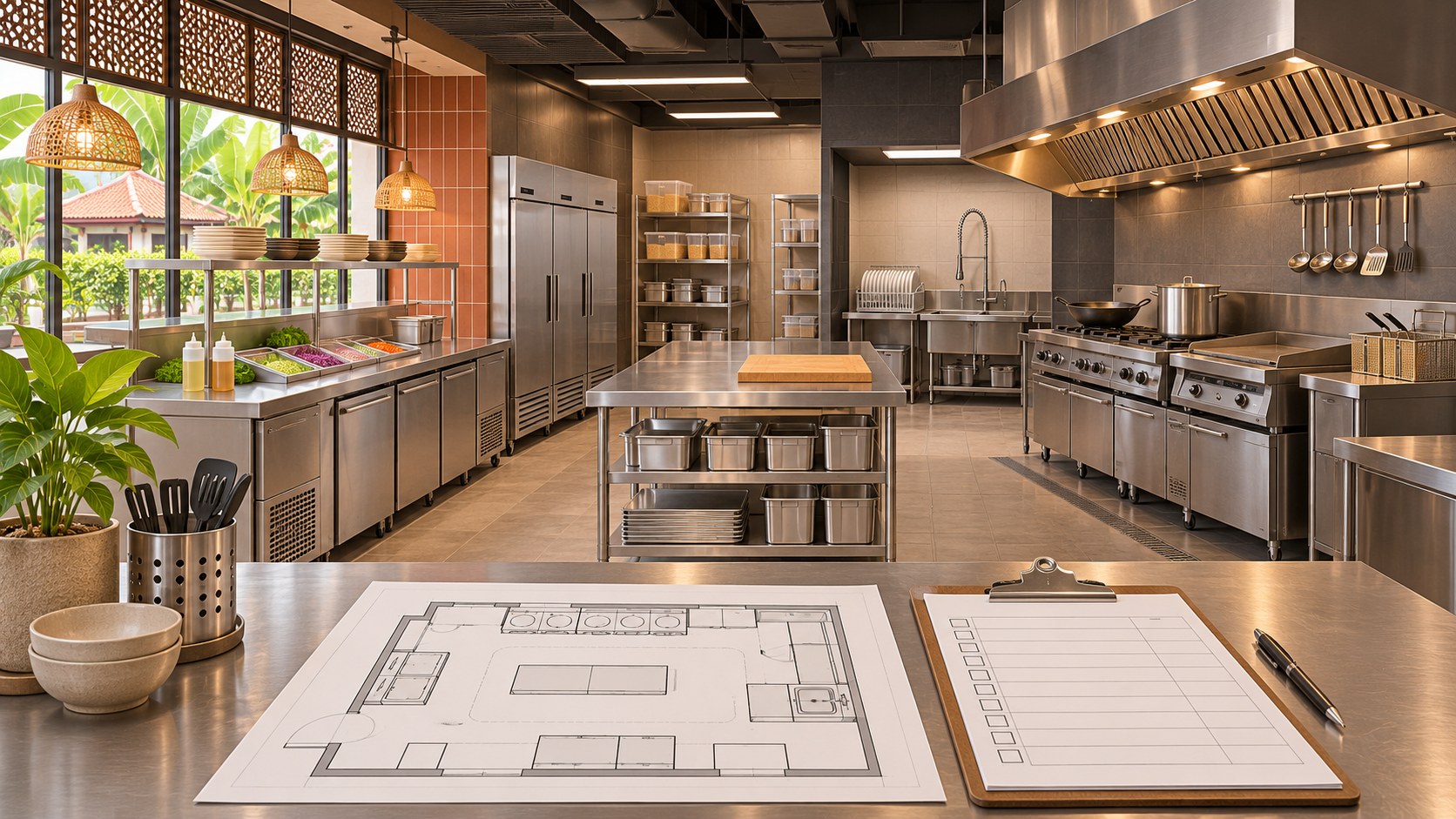

Restaurant fit-out planning becomes harder when each branch records equipment differently. One quotation calls an item a chiller, the layout labels it K04, and a supplier email identifies only a model number. A repeatable branch equipment register gives those documents a common reference so the owner and project team can discuss the same item.
For multi-outlet F&B operators in Selangor, the aim is to repeat a useful information structure while allowing the actual premises and operation to differ. A register is a coordination record, not a substitute for supplier specifications or technical design. Start it before ordering, then keep it current through installation and handover.
Give every item a stable identity
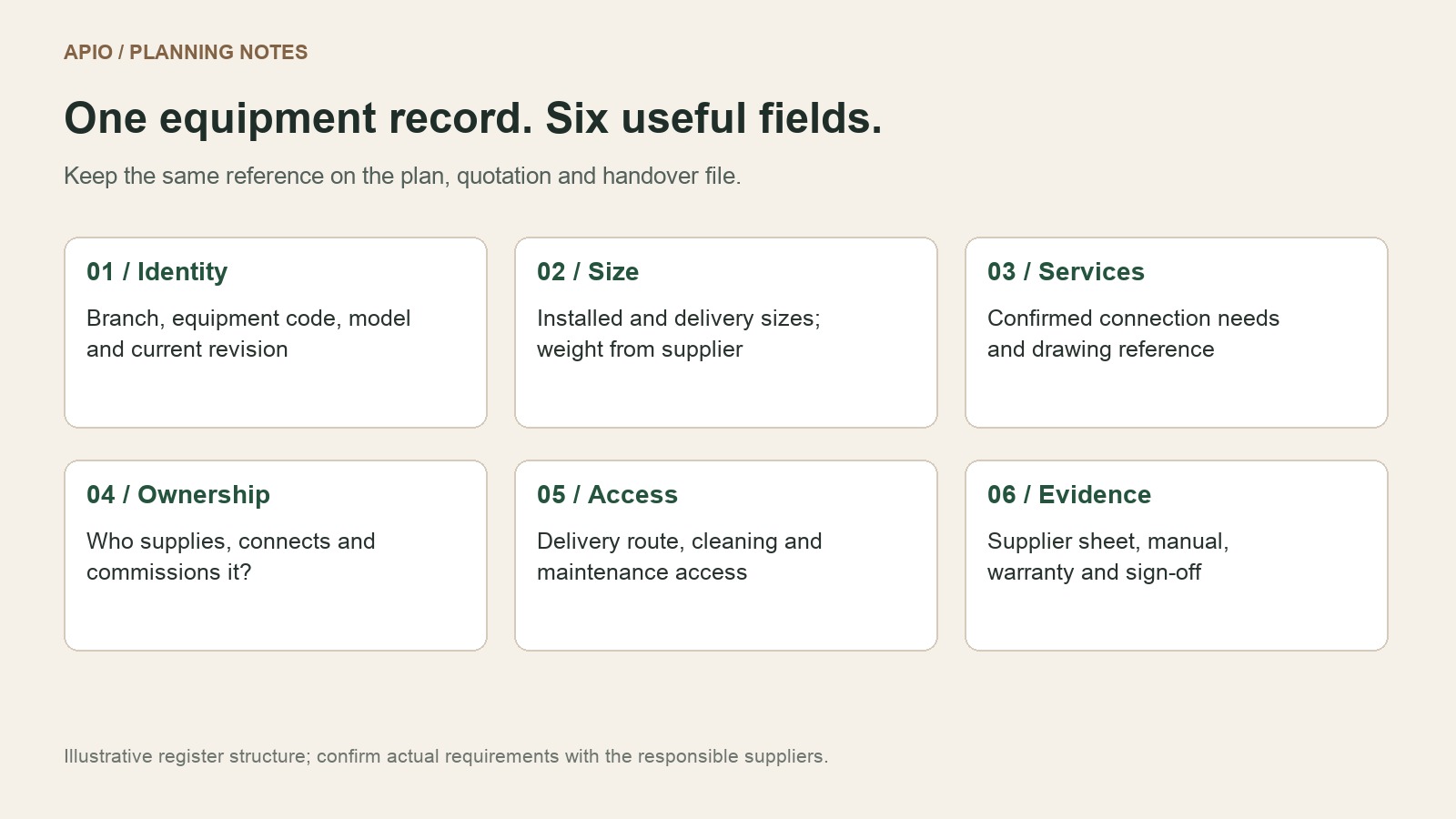
Assign a branch reference and equipment code. Put that code on the equipment plan, supplier schedule and quotation comparison. Record the current model separately from the code so a model change does not erase the history of the requirement. Add a revision date and the person responsible for keeping the record current.
Begin with the menu and intended service. Ask which task the item supports, its expected use and whether it is existing, new or still undecided. Avoid filling an unknown field with an assumed specification. Mark it “supplier confirmation required” and give that question an owner.
Use the same fields for every branch
| Record | What to include | Who confirms it |
|---|---|---|
| Identity | Branch, item code, function, model and quantity | Operator and supplier |
| Physical information | Installed dimensions, delivery dimensions and weight | Supplier |
| Services | Connection requirements and current drawing reference | Supplier and relevant project specialist |
| Scope | Supply, delivery, positioning, connection and commissioning | Owner, contractor and supplier |
| Access | Delivery route plus cleaning and maintenance access | Project team and operator |
| Handover | Installed model, serial number, manuals and warranty record | Supplier and outlet manager |
Separate requirements from assumptions
A catalogue photograph does not establish an appliance’s connection requirements. Obtain the exact model’s current information and pass it to the relevant designer or trade. Record the source document and date so another reviewer can trace where a requirement came from.
The UK HSE’s equipment installation guidance points installers to the manufacturer’s instructions and specifications. Use that as a general coordination principle; it is not a statement of Malaysian approval requirements. Have the responsible local professionals confirm the actual installation.
Keep branch standards and site differences visible
Create a standard item description for equipment used across outlets, then record the branch-specific selection and constraints. The same operating role may need a different arrangement because of access, available space or the project team’s confirmed service design. Do not treat an earlier branch’s drawing as confirmation for a new premises.
For example, an owner may want a consistent drinks station while the next shoplot places its service route differently. Keep the operating requirement constant in the register, but ask the team to review the selected model and position. Record the accepted difference rather than hiding it in an email thread.
Control changes before they reach the purchase order
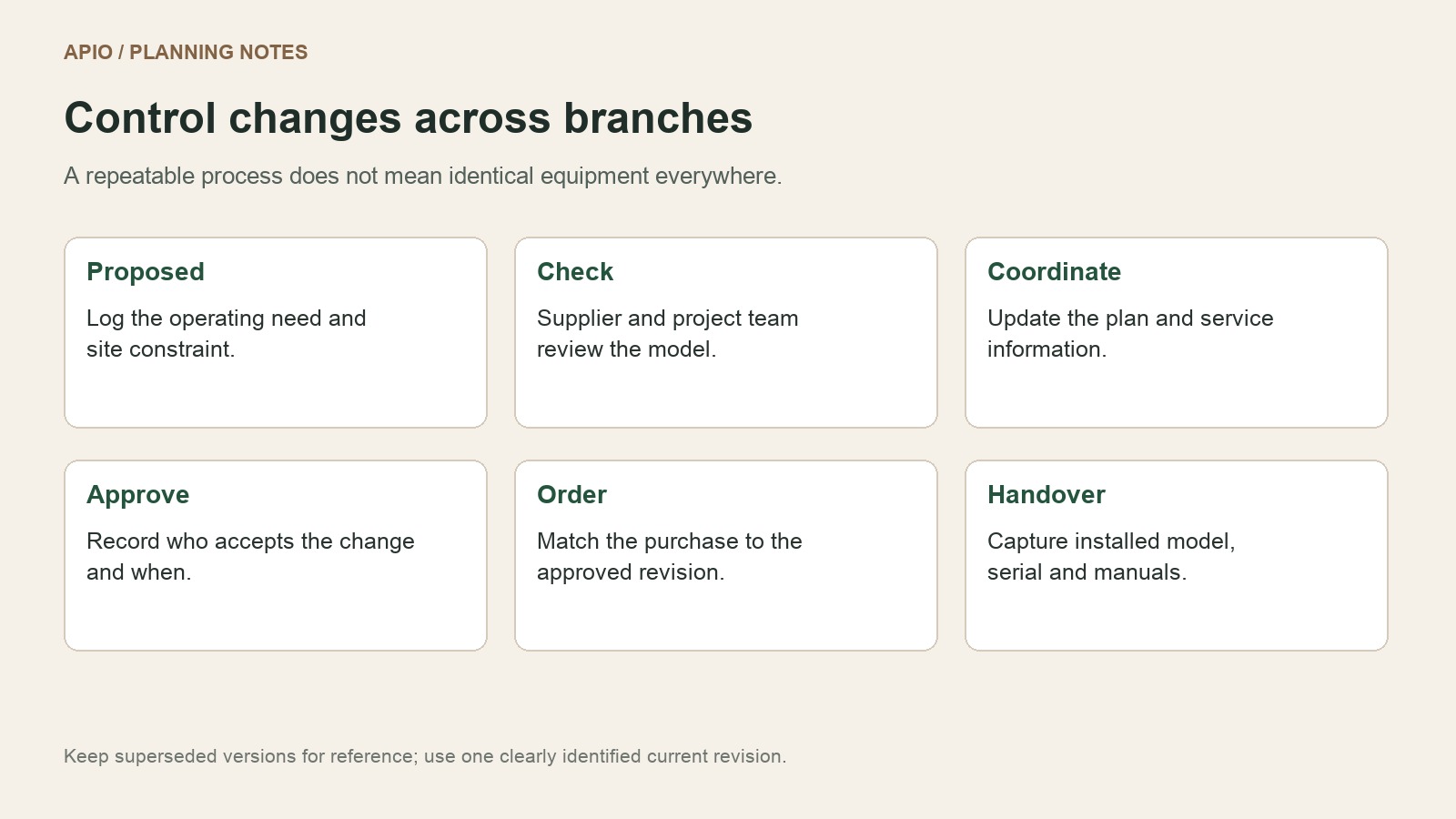
When someone proposes a substitution, record what changes and why. Ask the supplier and project team to review its effect on fit, access, connections, installation sequence and the agreed scope. Update the affected drawing reference before the purchase is released.
Use clear stages such as proposed, awaiting information, coordinated and approved for order. A supplier quotation being received is not the same as the item being approved. Keep superseded documents available, but identify one current version for the team to use.
Use the register at handover
Compare the delivered and installed item against the approved entry. Record the actual model and serial number, where applicable, and link its operating documents. Keep outstanding commissioning or documentation items visible with a named person and follow-up date. The register should remain useful to the outlet manager after the contractor leaves.
Review supply boundaries alongside the restaurant renovation budget. Delivery, connection and commissioning should not disappear between the equipment supplier’s quotation and the fit-out scope.
Frequently asked questions
Should every branch use exactly the same equipment?
Not automatically. Use the same record structure and operating criteria, then confirm the selection against the actual premises and supplier information.
Can I start before all models are selected?
Yes. Identify the function and decision owner, label unknowns and record when the missing information is needed. Do not use provisional data as a confirmed construction instruction.
Who maintains the register?
Nominate one coordinator, with suppliers and project specialists responsible for confirming their information. At handover, agree how the outlet manager receives and updates the record.
Discuss your next restaurant project
Bring your premises, menu and priorities to APIO. Start with the APIO project planner or use the existing enquiry form below to share the questions you want to resolve before renovation.